
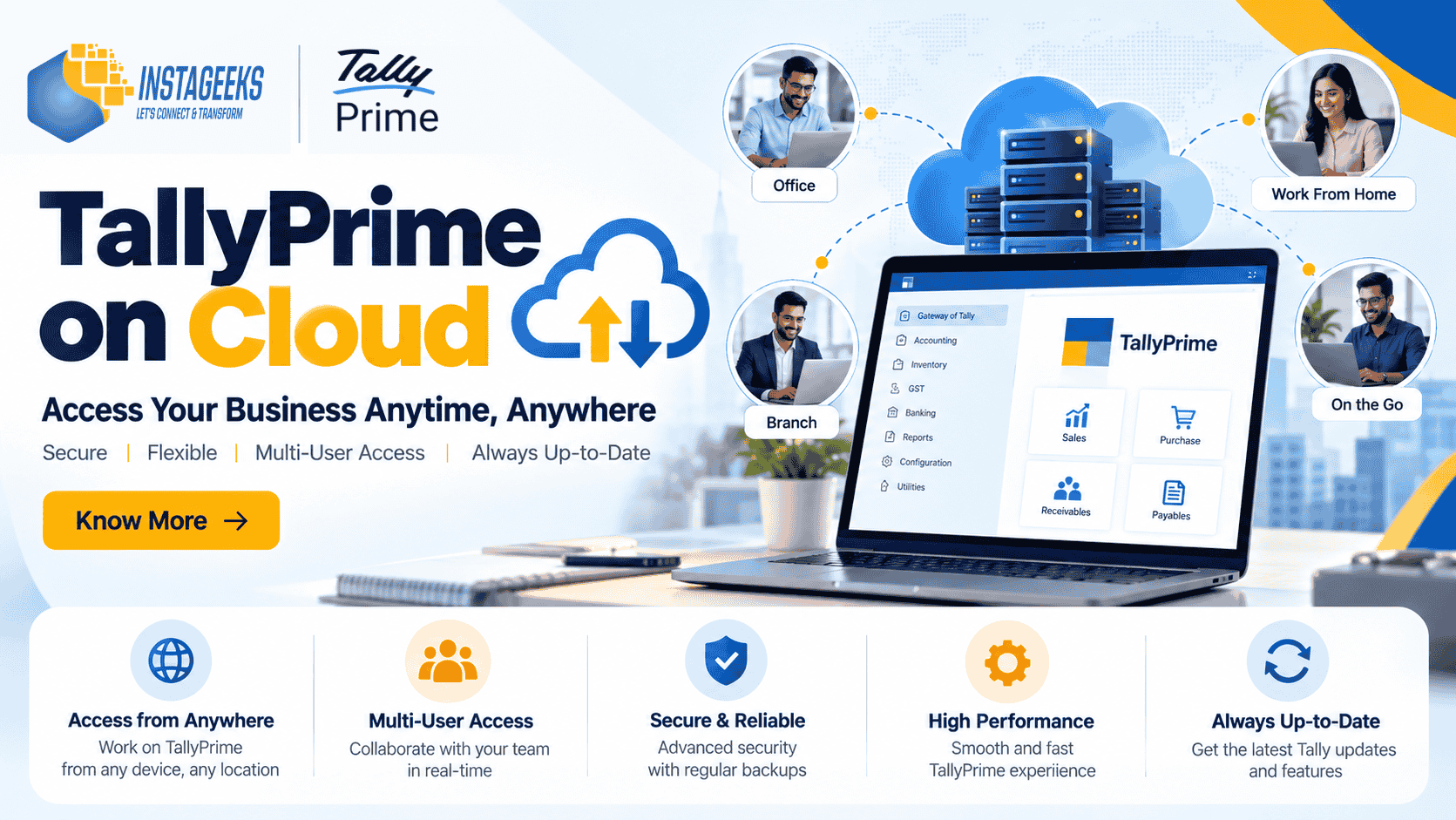
TallyPrime on Cloud: Benefits, Features, Cost & How It Works
Businesses today need flexibility, reliable access to financial information, and efficient collaboration between teams. Whether a business operates from a single office or multiple locations, accessing accounting data at the right time can make everyday operations easier.
TallyPrime on Cloud allows businesses to access their TallyPrime environment remotely through a configured cloud-hosted setup. Instead of relying exclusively on a computer located in the office, authorised users can connect to their hosted environment from supported devices and locations.
For business owners, accountants, finance teams, and growing organisations, cloud hosting can offer greater flexibility and support business continuity.
In this guide, we will explain what TallyPrime on Cloud is, how it works, its key benefits, the factors that influence hosting costs, and what businesses should consider before moving their accounting operations to the cloud.
What Is TallyPrime on Cloud?
TallyPrime on Cloud refers to using TallyPrime in a cloud-hosted computing environment. The software and company data are hosted on a configured server, which authorised users access remotely over the internet.
This setup can help businesses access their accounting environment from different locations without requiring every user to work directly on the same physical office computer.
Depending on the hosting arrangement, businesses may be able to use TallyPrime for accounting, inventory management, invoicing, financial reporting, and other supported business activities.
Cloud hosting is particularly useful for organisations that have remote employees, multiple branches, travelling business owners, or accounting teams working from different locations.
How Does TallyPrime Cloud Hosting Work?
In a typical cloud-hosted setup, TallyPrime runs within a configured cloud server environment. Users connect to that environment through an authorised remote-access method.
The general process involves the following steps:
- Cloud server configuration: A hosting environment is configured according to the business’s requirements.
- Software setup: TallyPrime and the required company data are configured in the environment.
- User access: Authorised users receive the appropriate access credentials and connection instructions.
- Remote working: Users connect to the hosted environment from supported devices and locations.
- Data management: Data storage, backup procedures, access permissions, and maintenance are managed according to the agreed hosting arrangement.
The exact setup depends on the hosting provider, server configuration, licensing requirements, security controls, and number of users.
Key Benefits of TallyPrime on Cloud
1. Access Accounting Data from Different Locations
One of the main advantages of cloud hosting is the flexibility to access your accounting environment remotely.
Business owners can review financial information while travelling, accountants can work away from the office, and authorised employees can connect from different branches.
This can be particularly useful for businesses whose decision-makers are not always present at the office.
2. Support for Multi-Location Businesses
Businesses operating from multiple branches often need a consistent way to access accounting information.
A suitable cloud-hosted setup can help authorised users connect to a shared working environment, depending on the server configuration, TallyPrime licensing, and supported concurrent-user capacity.
This can reduce dependence on a single physical office location and support coordination between teams.
3. Convenient Team Collaboration
When multiple authorised users need to work with accounting information, a properly configured cloud environment can make access more convenient.
For example, an accountant may record transactions while a business owner reviews reports from another location.
The number of users who can work simultaneously depends on the applicable software licence, hosting resources, and configuration.
4. Reduced Dependence on Office Hardware
With a cloud-hosted environment, businesses may not need to maintain a separate high-performance computer at every location solely for running the central TallyPrime environment.
However, users still need suitable devices, reliable internet connectivity, and an appropriate remote-access setup.
Cloud hosting can also introduce recurring server and support costs, so businesses should compare the overall cost with their existing infrastructure.
5. Flexible Hosting Resources
Cloud hosting resources can be selected according to business requirements, including the number of users, data volume, processing needs, and expected workload.
Businesses can evaluate whether their current server resources are sufficient and whether adjustments are needed as their operations grow.
Any changes to server capacity, storage, or configuration should be planned with the hosting provider.
6. Backup and Recovery Planning
Data protection is an important part of any accounting setup.
Depending on the selected service, cloud hosting may include scheduled backups, recovery support, or additional data-protection options.
Businesses should confirm how frequently backups are taken, how long they are retained, how recovery works, and whether restoring data is included in the service.
Cloud hosting by itself does not guarantee that backups are being performed correctly.
7. Support for Business Continuity
A properly planned cloud environment can help businesses continue accessing their accounting systems when employees are working away from the office.
However, business continuity also depends on internet availability, server uptime, security measures, backup arrangements, and the hosting provider’s support process.
Businesses should understand these factors before selecting a hosting plan.
TallyPrime on Cloud vs Traditional Desktop Setup
Both cloud-hosted and traditional desktop setups can support accounting operations. The right choice depends on how a business works.
| Feature | Traditional Desktop Setup | Cloud-Hosted Setup |
|---|---|---|
| Access | Usually centred around office computers or a configured local network | Remote access through an authorised connection |
| Multiple locations | May require additional infrastructure or configuration | Can support access across locations when properly configured |
| Hardware | Business maintains local computers and related infrastructure | Hosting provider supplies or manages the agreed server infrastructure |
| Maintenance | Managed internally or by an IT service provider | Responsibilities depend on the hosting agreement |
| Backup | Depends on the business’s backup process | Depends on the hosting plan and configured backup policy |
| Cost structure | Hardware, maintenance and related expenses | Recurring hosting charges and any additional service fees |
| Best suited for | Businesses working mainly from one location | Businesses needing remote or multi-location access |
A cloud setup is not automatically better for every business. Companies should assess their working practices, security requirements, internet reliability, licensing, and total cost before making a decision.
TallyPrime on Cloud: What Determines the Cost?
There is no single hosting price that applies to every business. The cost depends on the configuration and services required.
Before requesting a quotation, consider these factors.
Number of Users
The number of users who need access influences the required server resources and applicable software licensing.
Businesses should distinguish between the total number of registered users and the number of users who need to work simultaneously.
Server Configuration
Processing power, memory, storage, and other server resources affect performance and hosting costs.
A setup for a small business may have different requirements from one supporting a larger accounting team or a substantial volume of transactions.
Data Volume
Company data size, document storage, backup retention, and expected growth can influence storage requirements and the overall cost.
Backup and Security Requirements
Some businesses need additional backup retention, recovery arrangements, monitoring, or specific access controls.
Confirm which services are included in the base plan and which are charged separately.
Support and Maintenance
The hosting provider’s responsibilities may include setup, troubleshooting, server maintenance, monitoring, or other support services.
Businesses should understand the service scope and support hours before selecting a plan.
Additional Software and Integrations
Customisations, third-party integrations, and other business applications may require additional configuration or compatibility checks.
Before moving to the cloud, discuss these requirements with the provider to avoid unexpected costs.
Tip: Request a quotation based on your number of users, company data size, current TallyPrime setup, and support requirements instead of comparing prices alone.
Is TallyPrime on Cloud Secure?
Security should be a priority when accounting information is hosted remotely.
A secure implementation depends on the hosting infrastructure, configuration, access policies, backup procedures, and ongoing maintenance.
Before selecting a cloud hosting provider, review the following areas.
User Access and Permissions
Only authorised users should be able to access the hosted environment. Access should be provided according to individual responsibilities, and credentials should be handled securely.
Secure Remote Connections
The remote-access method should use appropriate security controls. Ask your provider how connections are protected and how unauthorised access is prevented.
Data Backups
Confirm the backup schedule, retention period, recovery procedure, and responsibility for restoring data.
Server Maintenance
Ask how server updates, monitoring, security patches, and technical issues are handled.
Data Ownership and Recovery
Understand where your data is stored, who can access it, how you can retrieve it, and what happens if you discontinue the hosting service.
No hosting arrangement should be considered completely risk-free. Businesses should evaluate the provider’s security practices and responsibilities before migrating sensitive financial data.
Who Should Consider TallyPrime on Cloud?
Cloud hosting may be suitable for different types of businesses, depending on their requirements.
Small and Medium-Sized Businesses
SMEs that want authorised remote access to their accounting environment may benefit from a suitable cloud-hosted setup.
Businesses with Multiple Branches
Organisations with offices or branches in different cities may find remote access useful for coordinating accounting activities.
Chartered Accountants and Accounting Teams
Accounting professionals who work with business clients or need to access their accounting environment remotely can evaluate whether cloud hosting suits their workflow.
Distributors and Traders
Businesses managing sales, purchases, inventory, and financial records may benefit from having access to their hosted environment from different locations.
Businesses with Remote Employees
Organisations with employees working from home or travelling regularly may find cloud access more convenient than relying exclusively on an office computer.
The suitability of cloud hosting depends on licensing, connectivity, performance, security, and the business’s specific requirements.
How to Move TallyPrime to the Cloud
Moving an accounting environment to the cloud requires planning. Following a structured process can help reduce disruption.
Step 1: Assess Your Existing Setup
Identify your current TallyPrime version, licence type, number of users, company data size, TDL customisations, and any connected applications.
Step 2: Select the Right Hosting Configuration
Discuss your business requirements with a cloud hosting provider. Consider server resources, remote access, security, backup arrangements, support, and expected growth.
Step 3: Take a Complete Data Backup
Create and verify a backup of your company data before beginning the migration. Keep the backup in a secure location.
Step 4: Check Licence and Compatibility Requirements
Confirm that your TallyPrime licence and any required additional software are suitable for the proposed hosting arrangement. Review TDLs and integrations for compatibility.
Step 5: Configure the Hosted Environment
The provider configures the server, software environment, access permissions, and agreed security measures.
Step 6: Migrate and Test Your Data
Move the required company data using an appropriate process. Verify important information, including ledgers, vouchers, inventory, reports, and relevant statutory configurations.
Step 7: Test User Access and Performance
Check that authorised users can connect successfully and that the system performs adequately for normal business workloads.
Step 8: Confirm Backup and Support Procedures
Before going live, verify how backups, technical support, data recovery, and ongoing maintenance will work.
A planned migration helps businesses understand their new environment before relying on it for daily accounting operations.
Common Mistakes to Avoid When Choosing TallyPrime Cloud Hosting
Before selecting a hosting service, avoid these common mistakes.
- Choosing a plan based only on the lowest monthly price.
- Ignoring the number of simultaneous users.
- Failing to check software licensing requirements.
- Assuming backups are included without confirming the policy.
- Overlooking TDL and third-party integration compatibility.
- Not checking remote-access security.
- Failing to test company data after migration.
- Not understanding support responsibilities and additional charges.
A well-matched hosting solution should balance performance, security, support, reliability, and cost.
Frequently Asked Questions About TallyPrime on Cloud
1. What is TallyPrime on Cloud?
TallyPrime on Cloud means using TallyPrime in a cloud-hosted environment that authorised users can access remotely through a configured connection.
2. Can I access TallyPrime from home?
Yes, a properly configured cloud-hosted setup can allow authorised users to access TallyPrime from home, subject to internet connectivity, licensing, and the hosting provider’s access method.
3. Can multiple users access TallyPrime on Cloud?
Yes, multiple users may be able to access the hosted environment, depending on the TallyPrime licence, concurrent-user capacity, server resources, and configuration.
4. How much does TallyPrime cloud hosting cost?
The cost depends on the number of users, server configuration, storage, backup requirements, support services, and other requirements. Contact a hosting provider for a quotation based on your business needs.
5. Is TallyPrime on Cloud safe?
It can be implemented with appropriate security measures, including controlled user access, secure remote connections, server maintenance, and verified backups. Businesses should review the provider’s security and recovery arrangements before migrating.
6. Do I need a TallyPrime licence for cloud hosting?
Applicable software licensing requirements still need to be met. Confirm your existing licence, user requirements, and the proposed hosting arrangement with your provider before proceeding.
7. Can I use my existing TallyPrime data on the cloud?
Existing company data may be migrated to a compatible hosted environment using an appropriate backup and migration process. Data should be verified after migration.
8. Will my TDL customisations work on the cloud?
Compatibility depends on the customisation, TallyPrime version, hosting configuration, and any external dependencies. Review and test customisations before moving into production.
9. Is cloud hosting suitable for small businesses?
It can be suitable for small businesses that need remote access or have employees working across locations. The business should compare the hosting cost with its existing setup and assess its actual requirements.
10. How do I choose the right TallyPrime cloud hosting provider?
Compare server performance, security controls, backup policies, support availability, licensing compatibility, data recovery arrangements, and total cost. Choose a provider that clearly explains its service scope and responsibilities.
Why Choose Instageeks for TallyPrime Cloud Solutions?
Choosing a cloud solution involves more than selecting a server. Businesses also need to consider software setup, licensing, data migration, user access, customisations, and ongoing support.
Instageeks Software Pvt. Ltd., a Tally Certified Partner, offers Tally-related services to help businesses evaluate and manage their accounting software requirements.
Our services include:
- TallyPrime licences
- TallyPrime cloud solutions
- TallyPrime implementation and upgrades
- TallyPrime customisation and TDL development
- Technical support
- Assistance with data migration and configuration
Whether you are planning to move an existing accounting setup to the cloud or evaluating remote access for a growing team, the right configuration begins with understanding your business needs.
Get Started with TallyPrime on Cloud
Want to access your TallyPrime environment from different locations?
Connect with Instageeks to discuss your requirements, explore suitable cloud hosting options, and understand the configuration, licensing, support, and costs involved.
Our team can help you evaluate a solution based on your business size, users, data requirements, and working environment.
Contact Instageeks today to discuss your TallyPrime cloud requirements.
Instageeks Software Pvt. Ltd. — Your partner for TallyPrime licences, cloud solutions, customisation, and support.
